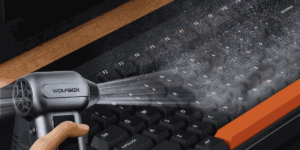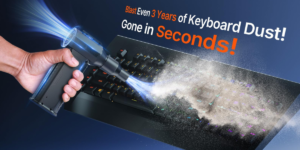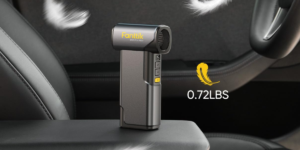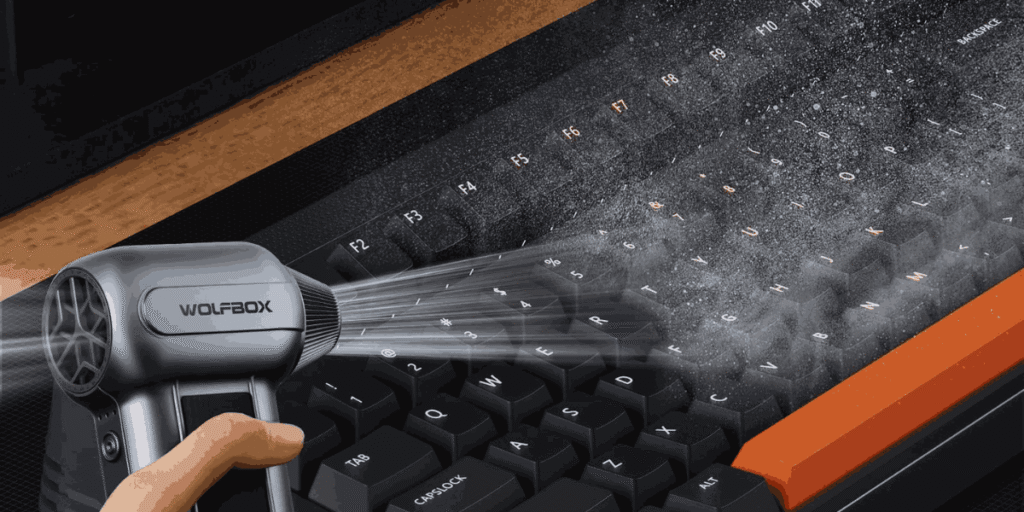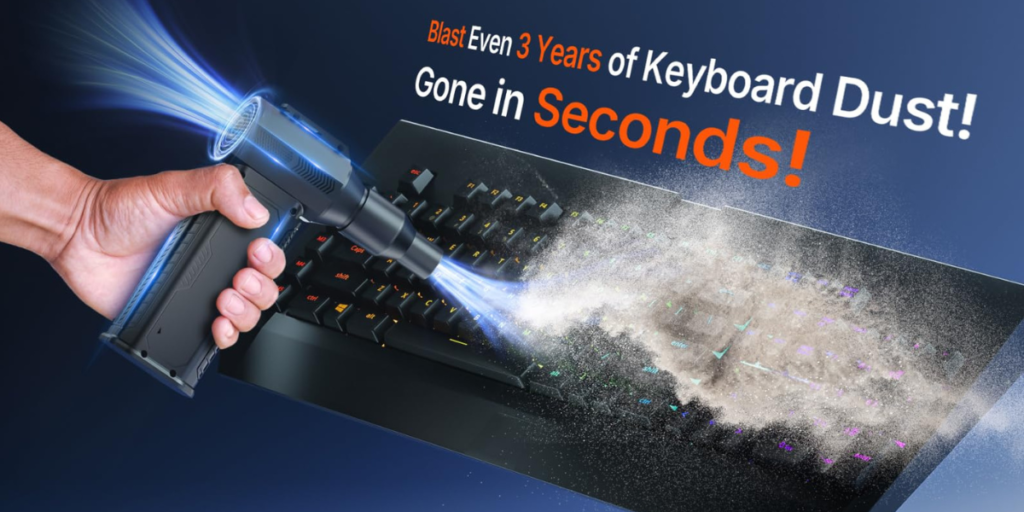
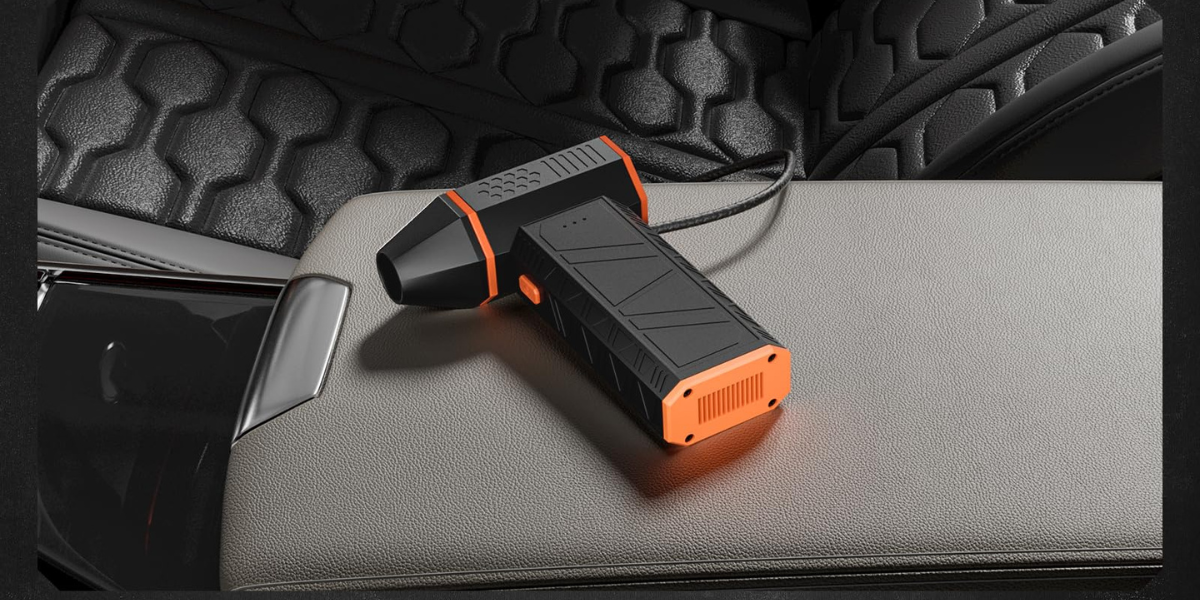
If you are tired of buying endless cans of compressed air that freeze your hands and run out quickly, you are probably looking for a better solution. Modern Cordless Air Dusters are the perfect answer. A high-quality cordless air duster provides continuous, eco-friendly blowing power to blast away stubborn dust from keyboards, sensitive PC components, and cameras without using harmful chemicals or freezing liquids.
In this comprehensive guide, you will instantly discover how much real cleaning power these electronic tools offer, their practical limitations, and exactly how to use them safely so you never damage your expensive gadgets.
What is a Cordless Air Duster and How Does It Work?
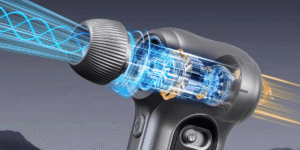
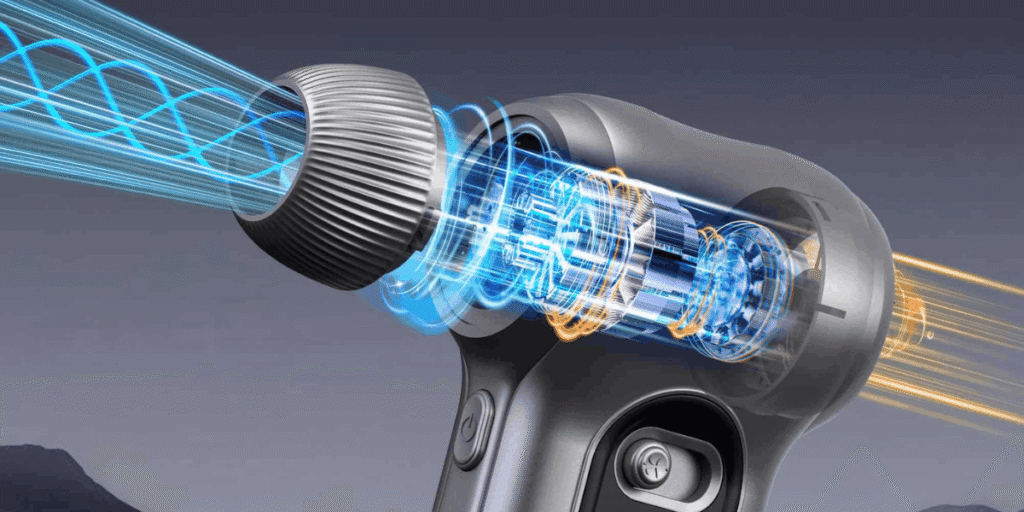
An electronic cordless air duster is a handheld, rechargeable device that uses a powerful electric motor to spin a small fan blade at incredibly high speeds. This fast spinning action takes in surrounding air and forces it out through a narrow nozzle, creating a concentrated, high-speed jet of wind.
Unlike traditional disposable canned air, these reusable tools do not rely on compressed chemical gases. They simply use the plain air around you. This makes cordless air dusters vastly safer for the planet, safer for your skin, and much more cost-effective over time.
The Real Cleaning Power of Cordless Air Dusters
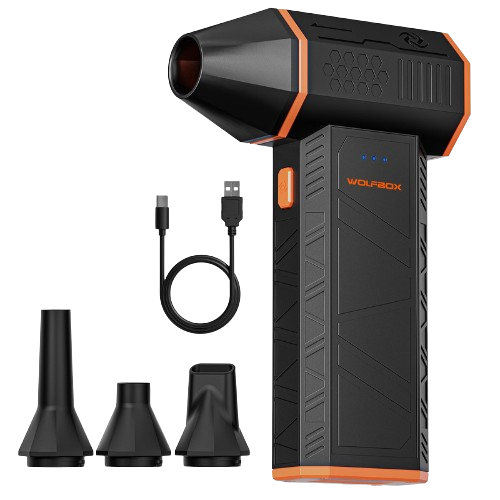
WOLFBOX MegaFlow 50 Compressed Air Duster-110000RPM Super Power Electric Air Duster, 3-Gear Adjustable Mini Blower with Fast Charging, Dust Blower for Computer, Keyboard, House, Outdoor and Car
Built from durable materials with a long-lasting battery, the WOLFBOX MegaFlow 50 is a sustainable alternative to disposable air cans, enhancing your cleaning experience.
When you invest in electronic cleaning tools, you want to ensure they actually have enough strength to do the job. Let us look closely at what these devices can achieve.
1. High Motor Speeds (RPM)
The pure power of a cordless air duster is usually measured in Revolutions Per Minute (RPM), which tells you how fast the internal motor spins. Standard entry-level models often spin at around 40,000 RPM to 60,000 RPM. However, premium, heavy-duty cordless air dusters can reach mind-blowing speeds of up to 100,000 RPM or even higher. This extreme speed generates a relentless, forceful wind that can dislodge deeply trapped crumbs, pet hair, and fluff from deep inside a mechanical keyboard.
2. Consistent Airflow Without Freezing
If you have ever used a classic disposable spray can, you know that the can gets freezing cold after just a few seconds of continuous spraying. When the pressure drops, the blowing force weakens drastically. An electronic cordless air duster completely eliminates this annoying issue. It delivers the exact same level of high-pressure airflow from the first second of your cleaning session until the rechargeable battery runs completely dry.
3. Multiple Speed Modes for Delicate Electronics
Most top-rated cordless air dusters feature multiple speed settings (typically low, medium, and high). This adjustable control allows you to shift from a gentle breeze for cleaning delicate camera lenses or intricate LEGO models to maximum blasting force for clearing out thick, heavy dust carpets inside dusty desktop computer towers.
The Real Limits: What a Cordless Air Duster Cannot Do
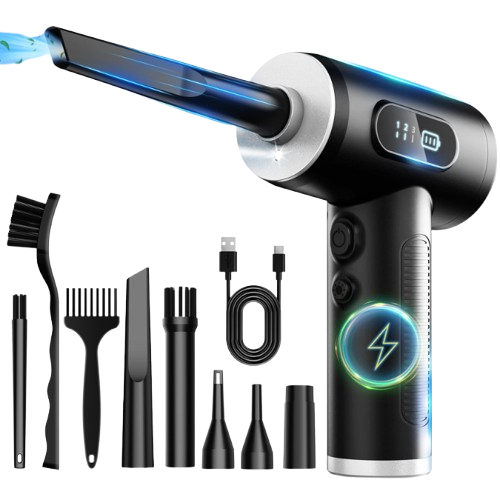
Compressed Air Duster-3 Gear Adjustable 100000RPM Electric Air Duster with LED Light, Rechargeable Cordless Air Blower for Keyboard Electric Devices Cleaning. Replaces Compressed Air Cans
Choose from 3 adjustable speed settings—gentle for delicate camera lenses or maximum power for stubborn dust.
While these rechargeable tools are incredibly useful, being honest about their limitations prevents frustration and keeps your equipment completely safe.
1. Sticky or Wet Grime Requires Physical Scrubbing
An electronic cordless air duster uses pure wind speed to clear away loose particles. It cannot dissolve sticky soda spills, greasy fingerprints, or oily residues that have dried onto surfaces. To clear away sticky grime, you will still need to use a microfiber cloth lightly dampened with high-purity isopropyl alcohol alongside your air blower.
2. They Lack the Massive Instant Pressure of Canned Air
Traditional canned air creates an incredibly sharp, freezing blast of pressure because the chemicals are tightly compressed inside a metal can. A portable cordless air duster cannot quite match that specific, instant “needle-like” piercing pressure punch. Instead, the electric version wins by offering continuous, steady, and unending airflow that safely coaxes dirt away over several seconds.
3. Rechargeable Batteries Eventually Run Out
Because these devices use energy-hungry high-speed motors, their batteries drain relatively fast when used on the absolute highest speed setting. On average, a standard cordless air duster will operate continuously for about 20 to 40 minutes on a single full charge. Fortunately, almost all modern units use standard USB-C fast charging, meaning you can easily top them up using your existing phone charger or a desktop computer port.
5 Pro Tips to Protect Your Gear When Using a Cordless Air Duster
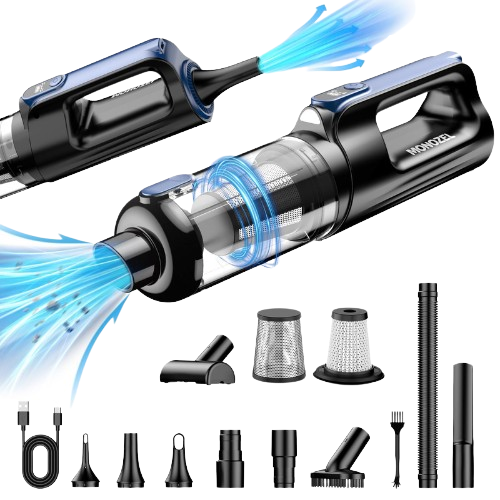
MONOZEL Car Vacuum Portable Cordless, 18000Pa 2 in 1 Vacuum Cleaner&Air Duster, 130W Brushless Motor Handheld Vacuum Cordless with 7800mAh Battery, LED Light, Multi-Nozzles for Car, Home, Office, Pet
Equipped with an upgraded brushless motor, this car vacuum cleaner high power can reach an amazing speed of 115000RPM.
Using a high-speed blower incorrectly can accidentally damage delicate electronics. Follow these 5 crucial rules to keep your prized gear safe.
Rule 1: Always Hold Internal Cooling Fans Still
When blowing air into a desktop computer or a gaming laptop, the high-speed wind from your cordless air duster can force the tiny cooling fans to spin much faster than they were designed to go. This over-spinning can permanently destroy the delicate fan bearings or send an accidental electrical current backward into the motherboard. Always gently hold the fan blades still with a finger or a small toothpick while blowing air through them.
Rule 2: Maintain a Safe Distance
Never jam the hard plastic nozzle of your cordless air duster directly against sensitive computer parts or circuit boards. Keep the tip of the nozzle at least 2 to 3 inches away from the components. This gives the air room to disperse safely and prevents accidental static buildup or physical impacts from scratching the board.
Rule 3: Use the Proper Specialized Nozzle Attachment
Most retail kits come packed with several interchangeable nozzles and tiny brush heads. Use the long, narrow nozzle when you need to reach into tight, deep gaps like keyboard switches. Use the wider, brush-tipped nozzle when you want to gently loosen caked-on dust from soft speaker grills or mesh dust filters.
Rule 4: Clean in a Well-Ventilated Space
A powerful cordless air duster will send clouds of fine dust flying out into the air instantly. If you clean your PC inside a tiny, enclosed room, all that floating dust will simply settle right back down onto your desk or get breathed into your lungs. Always clean your gear near an open window, or take the items outside to the garage or balcony.
Rule 5: Keep the Intakes Completely Clear
Remember that a cordless air duster must breathe in air from the bottom or back of its handle to blow air out the front. Be very careful not to block these intake vents with your hand while holding the device. Blocking the intakes strains the motor, lowers the wind speed, and can cause the internal battery pack to overheat.
Comparison: Cordless Air Dusters vs. Traditional Canned Air
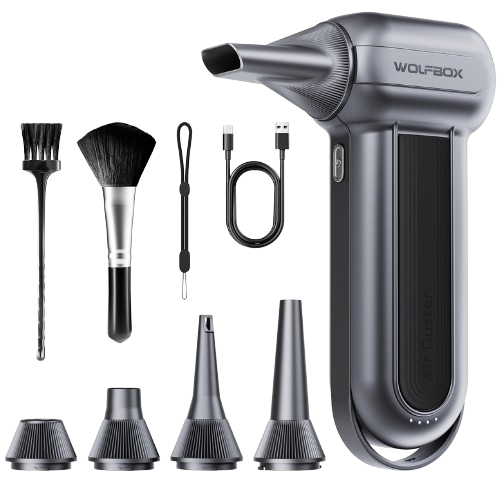
WOLFBOX MF100 Electric Air Duster-150000RPM Super Power Cordless Air Duster, Rechargeable Brushless Motor Durable Blower, 3-Gear Adjustable Dust Blower for Computer, Keyboard, Outdoor, House and Car
Featuring 5 nozzles and 2 brushes, the WOLFBOX electric air duster is perfect for cleaning electronics like PCs and keyboards, as well as for home, car, and outdoor use
| Feature | Cordless Air Dusters | Traditional Canned Air |
|---|---|---|
| Long-Term Cost | One-time purchase, lasts for years | Expensive repeat purchases |
| Environmental Impact | Eco-friendly, zero greenhouse gases | Contains chemical propellants |
| Temperature | Stays safe and warm to the touch | Gets freezing cold quickly |
| Blowing Duration | Continuous stream for 30+ minutes | Weakens after short bursts |
| Liquid Spray Risk | Absolutely zero risk of liquid damage | Can spray freezing liquid if tilted |
How to Choose the Right Device for Your Daily Cleaning Routine
When shopping for the perfect companion for your cleaning setup, keep these three basic factors in mind:
- Battery Capacity: Look for a device with at least a 6000mAh rechargeable battery pack. This ensures you have plenty of runtime to clean multiple computers, home theatre systems, and electronics without constantly stopping to recharge.
- Charging Type: Ensure the unit features a modern USB-C charging port. This keeps your cable clutter low, as you can use the exact same cable that charges your phone or laptop.
- Ergonomics and Weight: Since you will be holding the tool at strange angles to get deep inside cabinets, choose a model with a comfortable, non-slip pistol grip that weighs under 1.5 pounds to prevent hand fatigue.
By switching over to a reliable cordless air duster, you will save significant amounts of money, protect our shared environment, and keep your valuable tech gear running cool, clean, and completely dust-free for many years to come!