Are you looking for the absolute best way to make your messy keyboard look and feel brand new? A compressed air keyboard cleaner is the fastest, safest, and most effective tool to blow away dust, crumbs, and pet hair. When your keys start to stick, a reliable compressed air keyboard cleaner is the first thing you should reach for.
If you are here for a quick answer, let us satisfy your search right now. To use a compressed air keyboard cleaner properly: first, unplug your device. Second, tilt your keyboard at a 75-degree angle. Third, spray the air in short bursts moving from left to right. Never hold the can upside down, or you might spray freezing liquid onto your electronics!
Read on to discover our complete 10-minute deep-clean routine, crucial safety warnings, and expert tips to keep your typing experience smooth and clean.
Why You Need a Compressed Air Keyboard Cleaner Today
Think about how many hours you spend touching your keyboard every single week. Whether you are typing emails for work, doing your homework, or playing video games, your hands are constantly transferring oils, skin cells, and dirt to the keys. Add in the snacks you eat at your desk, and your keyboard quickly becomes a trap for bacteria and debris.
Using a high-quality compressed air keyboard cleaner solves this problem instantly. Unlike a cloth that only wipes the top of the keys, the powerful blast of air reaches deep under the keycaps where the real mess hides. Regular dust removal is not just about keeping things looking pretty; it actually extends the life of your device. A clean keyboard prevents the switches from breaking down and stops keys from getting stuck.
Every computer owner should keep a compressed air keyboard cleaner on their desk. It is a small investment that saves you from having to buy a completely new keyboard when the old one gets too dirty to function.
The Ultimate 10-Minute Deep-Clean Routine
You do not need to spend hours taking your keyboard apart to get it clean. By following this simple deep-clean routine, you can make your keyboard shine in just ten minutes.
Step 1: Prep and Disconnect (1 Minute)
Safety comes first. If you are using a wired keyboard, unplug the USB cable from your computer. If you have a wireless keyboard, turn off the power switch and remove the batteries. This prevents you from accidentally pressing buttons and deleting important files, and it protects the electronics while you clean.
Step 2: The Shake-Out (1 Minute)
Before using your compressed air keyboard cleaner, turn the keyboard completely upside down over a trash can. Give it a few gentle taps on the back. You will be amazed at how many loose crumbs, hairs, and big pieces of dirt fall out just from gravity.
Step 3: The Air Sweep (3 Minutes)
Now it is time for the main event. Grab your compressed air keyboard cleaner and attach the thin plastic straw to the nozzle. Hold your keyboard at an angle (about 75 degrees). Start at the top left corner. Spray in quick, short bursts across the row, moving from left to right. Gravity will pull the blown-out dust downward. Keep moving down row by row until you reach the spacebar at the bottom.
Step 4: The Surface Wipe (3 Minutes)
The air will remove the dust from the inside, but you still need to clean the finger oils off the top. Take a soft microfiber cloth and lightly dampen it with a little bit of isopropyl alcohol (rubbing alcohol). Gently wipe the top of every single key. Do not make the cloth too wet; it should only be slightly damp.
Step 5: The Final Polish (2 Minutes)
Take a dry section of your microfiber cloth and wipe over the entire keyboard one last time to remove any leftover moisture. Let the keyboard air dry completely for a few minutes before you plug it back in.
10 Pro Tips for Using Your Compressed Air Keyboard Cleaner
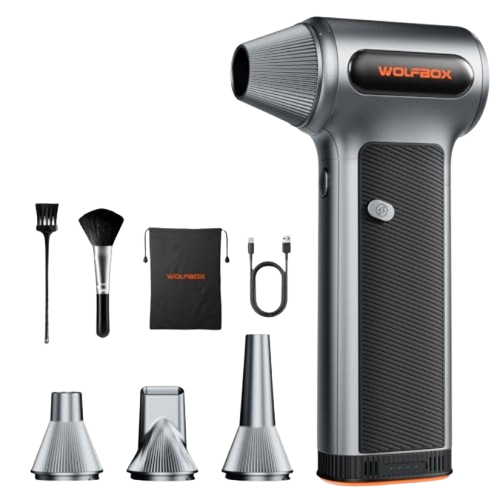
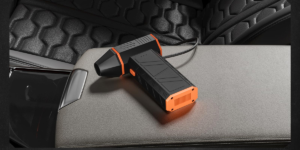
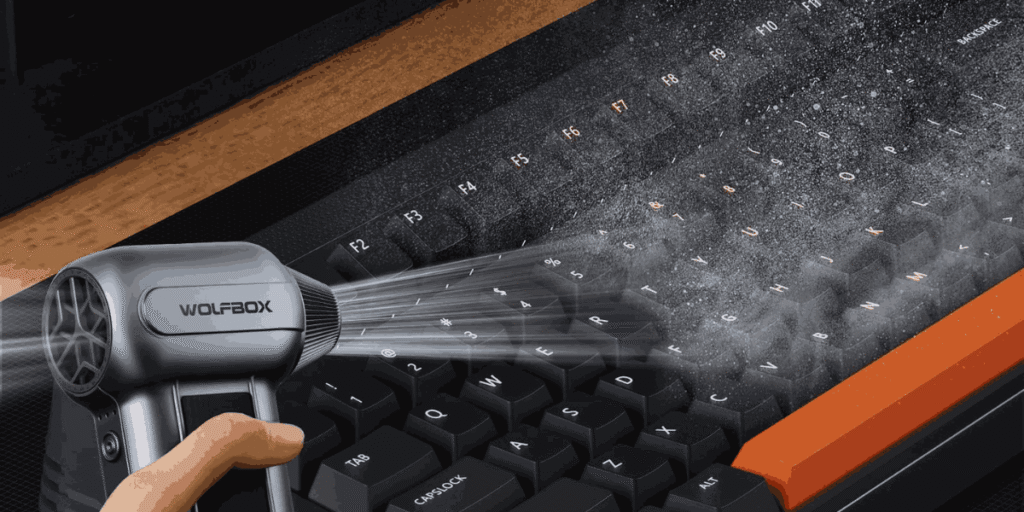
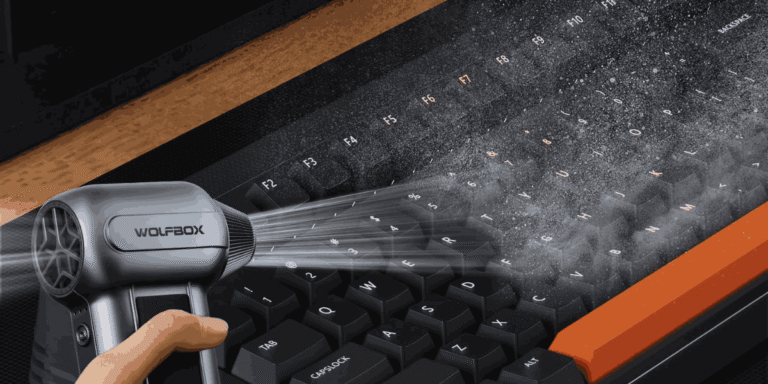
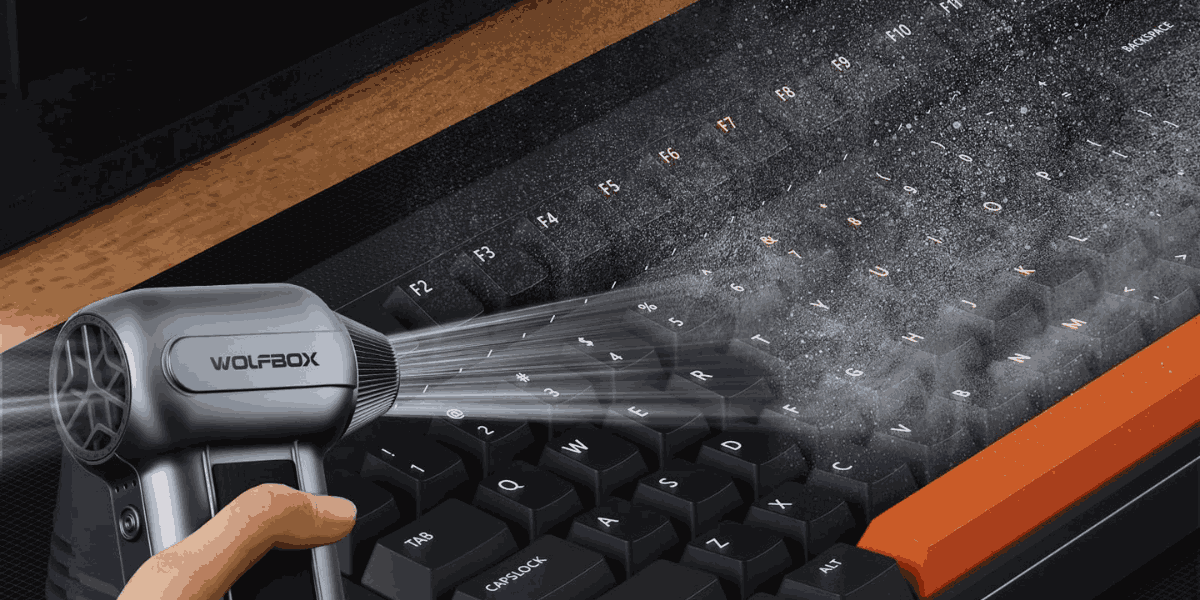
WOLFBOX MF200 Compressed Air Duster with Removable Battery & 4 Nozzles, Cordless 3-Speed Adjustable Mini Blower for Computer Keyboard, Car Cleaning, Home, and Outdoor Use
Driven by a high-performance brushless motor, this duster creates a jet-airflow of up to 87.5 m/s.
To get the absolute best results during your cleaning routine, follow these ten easy expert tips:
- Never Shake the Can: It is very tempting to shake the can of air before using it, but you should never do this. Shaking mixes the liquid propellant inside and causes it to spray out, which can damage your electronics.
- Keep the Straw Attached: Your compressed air keyboard cleaner comes with a tiny red plastic straw. Always use it! The straw focuses the air into a powerful, tiny stream that can easily blast dirt out from under the tightest keycaps.
- Always Use Short Bursts: Do not hold the trigger down for a long time. Spray in quick half-second bursts. Long sprays make the can freeze up and lose its high air pressure.
- Use a Brush for Stubborn Dirt: Sometimes, dust gets sticky. If the air does not blow it away, use a soft, clean makeup brush or a small paintbrush to loosen the dirt first, then blast it away with the air.
- Clean in a Well-Ventilated Area: When you blow all that hidden dust out of your keyboard, it goes into the air you breathe. It is best to do this outside, on a balcony, or near an open window so the dust blows away from your face.
- Mind the Angle: Always hold the can completely upright. Tilt the keyboard, not the can. If you tilt the can horizontally or upside down, freezing liquid will spray out.
- Take Pictures Before Removing Keys: If your keyboard is really dirty, you might want to pull the keys off. Before you do, take a clear picture of your keyboard with your phone so you remember where all the keys go!
- Know Your Keyboard Type: A mechanical keyboard has high keys that are very easy to clean with air. A flat laptop keyboard is much more delicate. When using a compressed air keyboard cleaner on a laptop, be extra gentle and spray from a slightly further distance so you do not damage the fragile internal clips.
- Don’t Forget the Ports: While you have the air out, give the USB ports on your computer a quick blast too. Dust in the ports can cause connection problems.
- Clean Regularly: Do not wait until your keys are sticking to clean them. Making this a regular monthly habit will keep your typing smooth and clean.
Crucial Safety Warnings
Using a compressed air keyboard cleaner is generally very safe, but it is actually a chemical product, not just regular “air.” You must handle it with care.
- Frostbite Danger: The chemicals inside the can get extremely cold when released. Never spray the air directly onto your skin, and never spray it at another person or a pet. It can cause real freeze burns on your skin.
- Do Not Inhale: The fumes from a compressed air keyboard cleaner are dangerous. Most brands add a bitter-tasting chemical to stop people from inhaling it, but you still need to be careful. Always spray in an area with good airflow.
- Keep Away From Heat: Because the contents are under high pressure, the cans can explode if they get too hot. Never leave your can of air sitting in a hot car, near a heater, or in direct sunlight. Store it in a cool, dry place.
Mechanical Keyboards vs. Laptop Keyboards
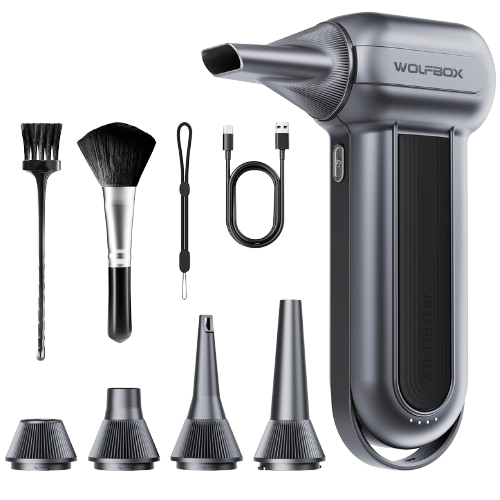
WOLFBOX MF100 Electric Air Duster-150000RPM Super Power Cordless Air Duster, Rechargeable Brushless Motor Durable Blower, 3-Gear Adjustable Dust Blower for Computer, Keyboard, Outdoor, House and Car
. To ensure optimal performance of your MF100, please fully charge the battery before use.
How you use your compressed air keyboard cleaner depends on what kind of keyboard you are typing on.
If you own a mechanical keyboard, you are in luck. These keyboards have tall keys with lots of space underneath. The air can easily flow between the switches to push out heavy debris. For a deep clean, you can even use a tool to pull the keycaps off entirely and spray the bare base of the keyboard directly.
If you are cleaning a laptop keyboard, you need to be much more careful. The keys on a laptop sit very flat and are attached with tiny, fragile plastic hinges. If you spray the air too close or too hard, you could accidentally break a key off entirely. Keep the nozzle about two inches away from the keys, and use very gentle, quick puffs of air to slide the dust out from the sides.
How Often Should You Clean Your Keyboard?
Maintaining your workspace should be a regular part of your life. So, how often should you break out your compressed air keyboard cleaner?
- Once a week: Give your keyboard a quick wipe-down with a microfiber cloth just to remove the finger oils and surface dust.
- Once a month: This is when you should perform the full 10-minute deep-clean routine. Blast it thoroughly with your compressed air keyboard cleaner to ensure no crumbs build up under the keys.
- Every six months: If you have a mechanical keyboard, consider taking all the keycaps off and washing them in warm, soapy water, while using the air to completely clean the board underneath.
Conclusion
Keeping your workspace clean does not have to be a difficult chore. By making a compressed air keyboard cleaner a permanent part of your desk setup, you can ensure your equipment lasts longer and performs better. Just remember to use short bursts, never shake the can, and always hold it upright. Follow this simple 10-minute routine every month, and you will never have to deal with a gross, sticky keyboard ever again. Happy cleaning!